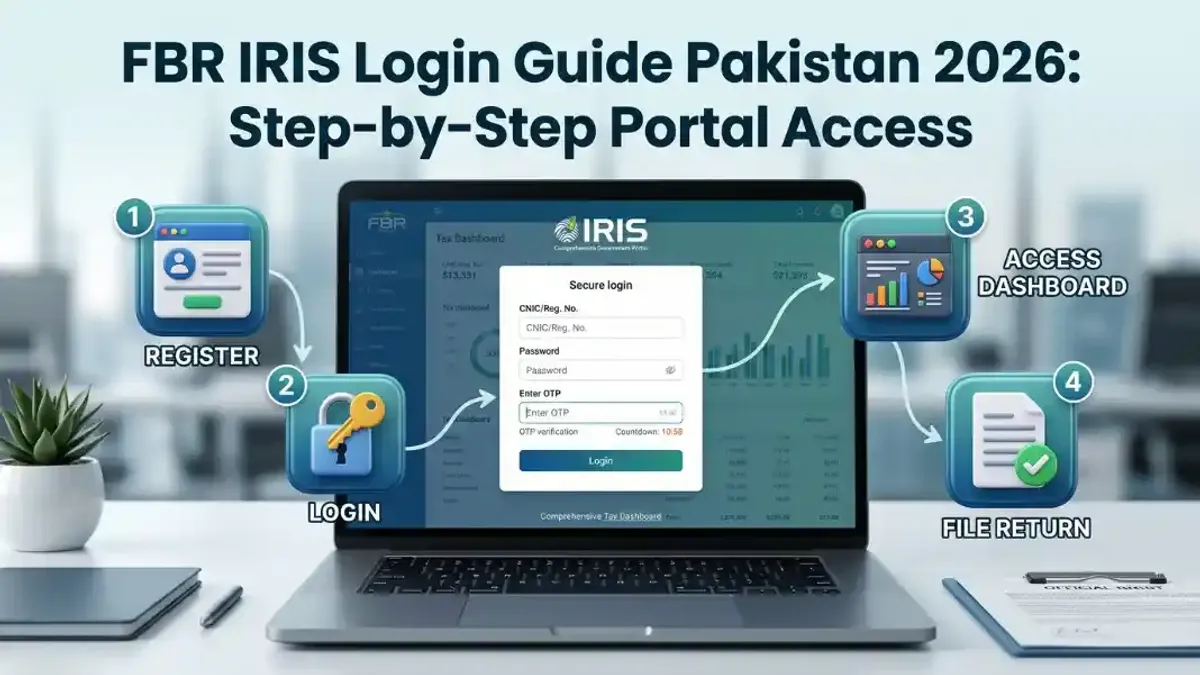
Learn how to add “freelance” business activity in IRIS FBR portal in Pakistan 2026 and avoid costly tax mistakes.
Introduction
If you’re a freelancer in Pakistan, one of the most important steps in staying tax-compliant is knowing how to add “freelance” business activity in IRIS FBR portal.
Look, I get it, taxes are boring but this one setting inside your IRIS profile can literally decide whether you pay 1% tax or up to 35%.
Here is the real talk: many freelancers are already registered with FBR, but they never correctly add their business activity—and that leads to wrong tax treatment, notices, and stress.
This guide by gigtax.site will walk you through everything step by step so your profile is clean, correct, and optimized for 2025-2026 tax rules.
What is “Business Activity” in IRIS FBR?
In the IRIS system, your business activity defines:
- What type of work you do
- How your income is classified
- Which tax rules apply to you
For freelancers, this should clearly reflect IT export services or freelance services.
If this is missing or incorrect, FBR may treat your income as normal business income—which means higher taxes.
Why Adding “Freelance” Activity is Critical
Let me explain this simply.
If you don’t add the correct business activity:
- Your income may fall under Normal Tax Regime (NTR)
- You could be taxed using slabs up to 35%
- You may lose eligibility for IT export tax benefits
But if you do it correctly:
- You qualify for Final Tax Regime (0.25%–1%)
- Your filing becomes simpler
- Your compliance improves
This is not optional—it’s essential.
Freelance vs Incorrect Business Activity
Comparison Table
| Feature | Correct Freelance Activity | Incorrect/No Activity |
|---|---|---|
| Tax Treatment | 0.25% – 1% (FTR) | Up to 35% (NTR) |
| Income Classification | IT Export | Business/Other |
| FBR Compliance | Strong | Weak |
| Audit Risk | Low | High |
| Filing Accuracy | High | Error-prone |
So yes, this one step can change everything.
When Should You Add Freelance Activity?
You should update your IRIS profile:
- After getting NTN
- Before filing your first return
- When switching to freelancing
- If your current activity is incorrect
Even if you registered years ago, you can still fix it.
Types of Freelance Activities You Can Add
When adding business activity, choose the closest match:
Common Options:
- Software Development Services
- IT Consulting
- Graphic Design Services
- Digital Marketing Services
- Content Writing / Copywriting
The goal is simple: clearly show you are an IT exporter or freelancer.
Step-by-Step: How to Add “Freelance” Business Activity in IRIS FBR Portal
Alright, let’s go step by step.
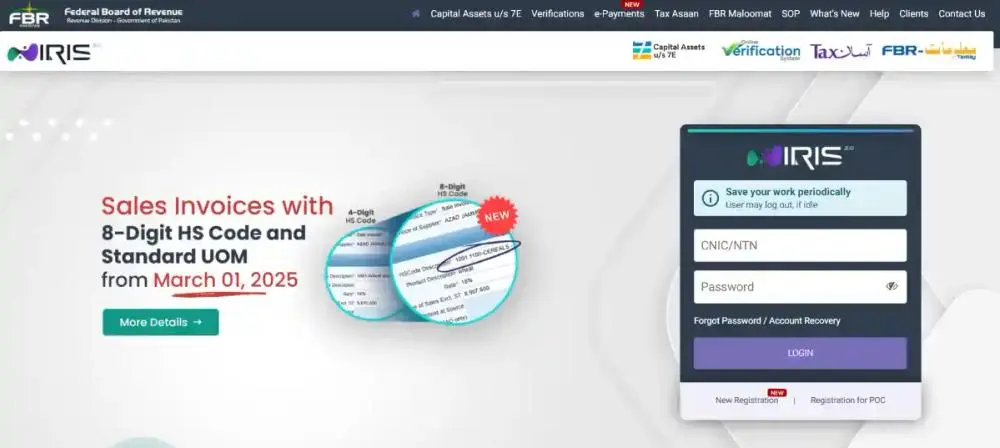
Step 1: Log in to IRIS Portal
- Visit IRIS FBR portal
- Enter CNIC and password
Access your dashboard.
Step 2: Open Registration Form (Form 181)
- Go to “Registration”
- Click “Registration Form (181)”
- Select “Edit”
This is where your business details live.
Step 3: Navigate to Business Tab
Inside Form 181:
- Find the Business section
- Click “Add Business”
Now you’re ready to enter details.
Step 4: Add Business Details
Fill in:
- Business Name → Your name or brand name
- Business Type → Sole Proprietor
- Nature of Business → Select relevant freelance category
Example:
- “Software Development Services”
- “IT Export Services”
Choose carefully—this impacts your tax.
Step 5: Add Business Address
- Use your home address
- Ensure it matches your CNIC or utility bill
No need for office space.
Step 6: Save and Submit
- Review all details
- Submit form
Your business activity will be updated after approval.
Step 7: Verify Update
- Check your profile
- Confirm business activity is added
Now your account is properly configured.
This whole proccess usually takes less than 30 minutes.
What Happens After Adding Freelance Activity?
Once added:
- Your income can be declared as IT export
- You qualify for low tax rates
- Your tax returns become accurate
This small step unlocks major benefits.
Common Mistakes Freelancers Make
Let me save you from real issues.
1. Leaving Business Activity Blank
This is surprisingly common.
2. Selecting Wrong Category
Choosing “Retail” or “Trading” is a big mistake.
3. Not Updating Old Profiles
Old NTN holders often forget to update.
4. Ignoring After Registration
Many people register and never review their profile again.
5. Filing Without Fixing Activity
This leads to incorrect tax calculation.
If your profile is wrong, your entire tax structure is wrong.
How This Affects Your Tax Filing
Here’s the connection.
When you file tax return:
- IRIS uses your business activity
- Determines tax regime
- Calculates tax
If activity = IT export → low tax
If activity = generic business → high tax
That’s why this step is critical.
Step-by-Step: How to Use This in Tax Filing
After adding business activity:
Step 1: Log into IRIS
Step 2: Open Tax Return
Step 3: Declare Income under IT Export
Step 4: Apply Final Tax Regime
Step 5: Submit Return
Simple, but only works if your profile is correct.
Benefits of Proper Freelance Activity Setup
- Lower tax (0.25%–1%)
- Better compliance
- Reduced audit risk
- Smooth banking transactions
- Strong financial record
This is how professionals operate.
Real Talk: Why Most Freelancers Get This Wrong
Here is the real talk.
Most freelancers:
- Rush through registration
- Don’t understand tax categories
- Copy random YouTube tutorials
And end up paying more tax or getting notices.
Don’t do that.
Take your time and do it right.
How gigtax.site Helps You Fix This
At gigtax.site, we help freelancers:
- Add correct business activity
- Fix IRIS profile errors
- File tax returns properly
- Optimize tax structure
We make sure your setup is aligned with FBR rules.
Because small mistakes here can cost big money later.
Final Thoughts
Understanding how to add “freelance” business activity in IRIS FBR portal is one of the most overlooked—but most important—steps for freelancers in Pakistan.
Look, I get it, this may seem like a small detail. But in tax matters, small details make a huge difference.
Fix your profile, file correctly, and stay compliant.
Your future self will thank you.
Call to Action
Don’t risk paying higher taxes due to a simple setup mistake.
Become a tax filer, get into the ATL, and ensure your freelance income is properly structured.
Visit gigtax.site today and get expert help to set up your IRIS profile, file taxes correctly, and grow your freelance income the smart way.
Leave a Reply